What is serverless tool calling? A beginner's guide for AI agent builders
How running each agent tool call on its own short-lived machine works, why it is practical, and what you give up.
Sponsored by Archil

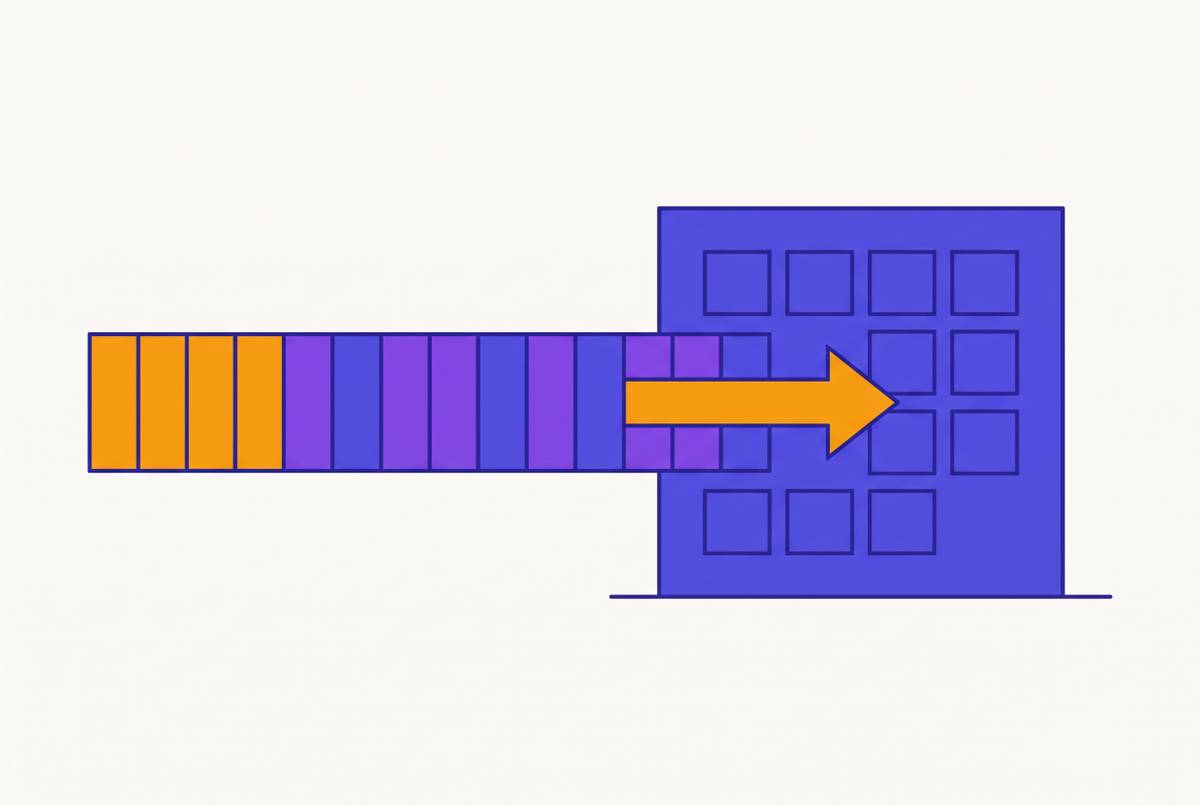
Serverless tool calling is a way to run an AI agent's tools where each tool call gets its own short-lived machine. The machine starts, runs one command against the agent's files, returns the result and shuts down. The agent's files live on a disk that stays put between calls. It is the same idea as serverless functions, applied to the shell commands and file edits an agent makes, and it explains a lot about how agent infrastructure is being built.
The pieces of an agent loop
To see where serverless tool calling fits, it helps to name the parts of an agent:
- The model reads the conversation so far and decides what to do next. Often that decision is a tool call: a request such as "run
npm test" or "show mesrc/app.ts". - The harness is the program around the model. It sends the tool call to something that can run it, then gives the result back to the model.
- The environment is where the tool call actually runs: a machine with a shell, the agent's files and whatever programs the agent needs.
The loop repeats: the model decides, the harness runs the tool, the model reads the result. A coding agent may go around this loop dozens or hundreds of times in one task.
Two ways to provide the environment
A sandbox per session. The harness starts one isolated machine (a container or a small virtual machine) when the agent starts, runs every tool call inside it, and stops it when the agent finishes or a timeout fires. Files, installed packages and running programs all stay inside that machine.
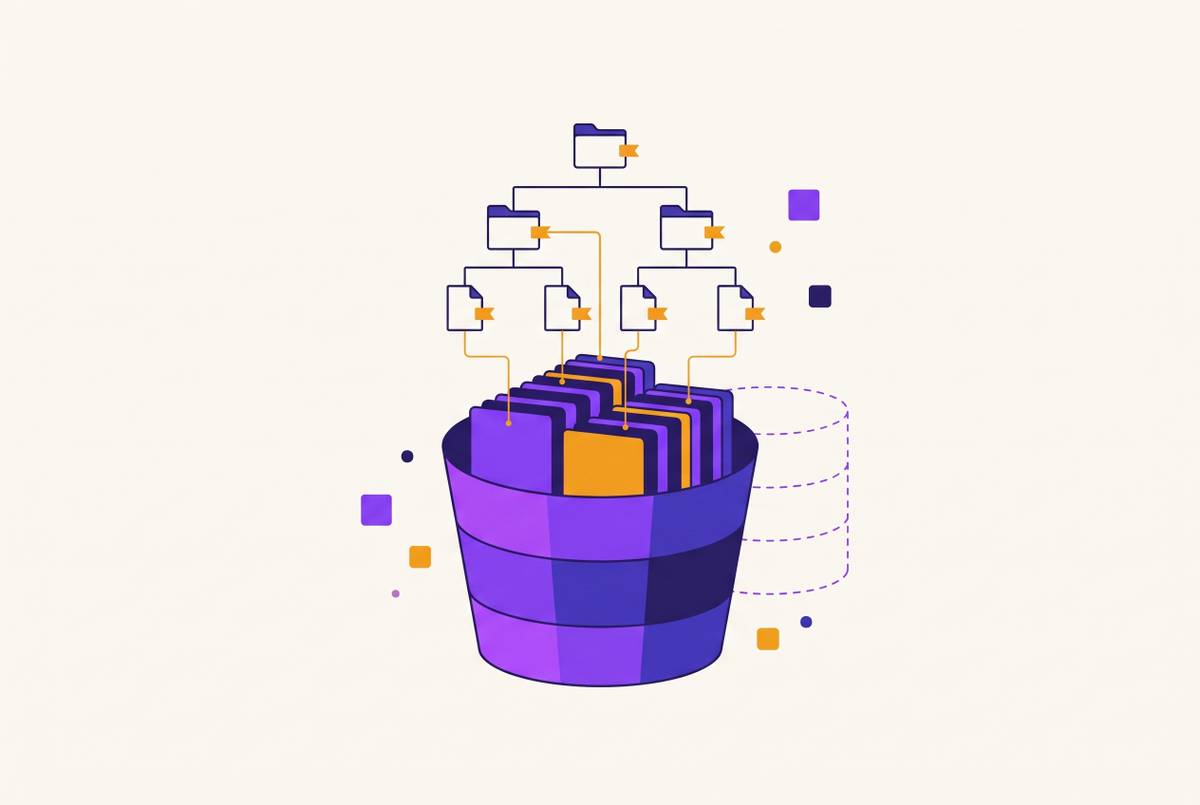
A machine per tool call. The harness keeps the agent's files on a persistent disk. For each tool call it starts a fresh isolated machine with the disk attached, runs the one command, returns the output and shuts the machine down. Only the disk lasts between calls. This is serverless tool calling.
A useful picture: in the first model the agent lives in a rented room for the whole day. In the second it keeps its belongings in a locker and borrows a room only for the minutes it needs one.
Why anyone would start a machine for every command
It sounds wasteful, so it is worth looking at the numbers.
Machines can start very fast. Small virtual machines called microVMs are built for this. Firecracker, an open-source microVM monitor, documents a startup time under 125 ms.
Agents spend a lot of time not using their machine. While the model is thinking, and while a person reads its answer, the sandbox has nothing to do. The sponsor of this publication measured 30 days of its own engineering team's coding-agent sessions: the median tool call finished in 0.5 seconds, the median model turn took 2.7 seconds, and a sandbox kept running until 15 minutes passed without a tool call would have been idle 65% of the time it was up.
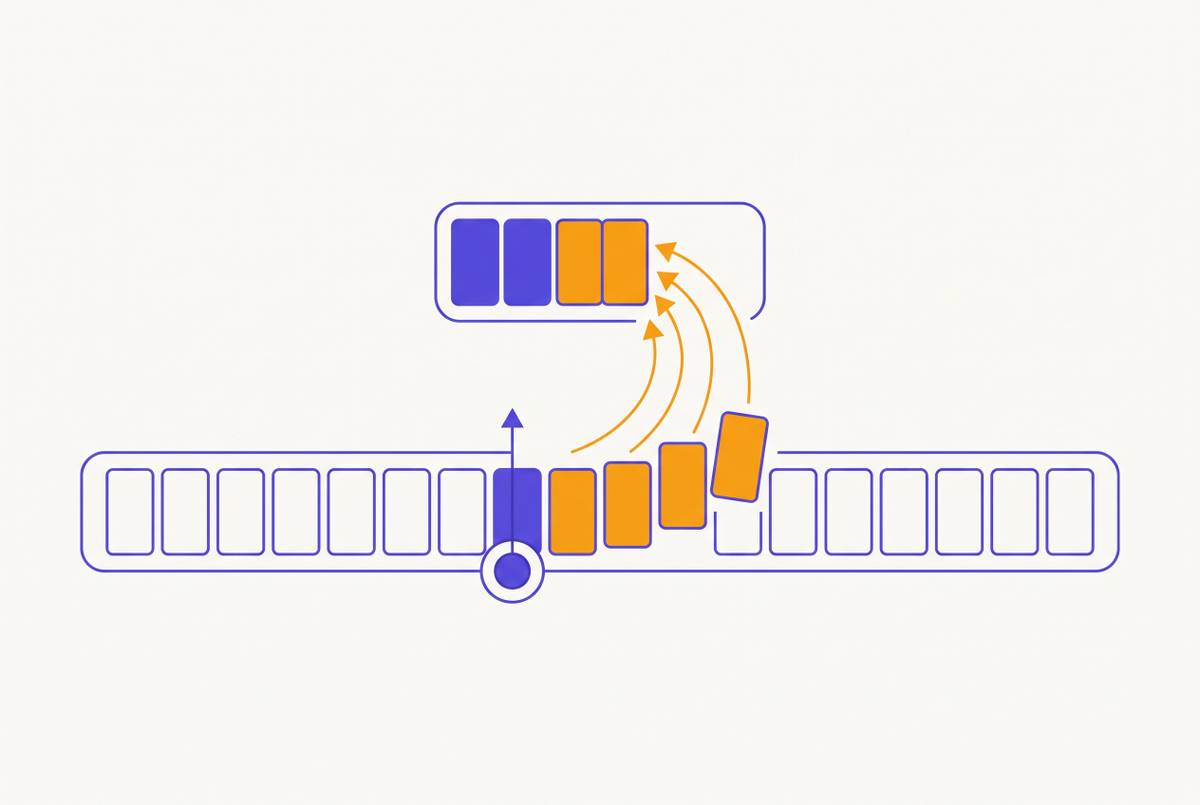
Parallel work gets simple. If the agent wants to run five test files at once, the harness makes five tool calls. Each gets its own machine, and all five see the same disk.
What you give up
Serverless tool calling is not free of tradeoffs, and beginners often hit these first:
- Programs don't keep running. A web server started in one tool call is gone when that call ends. Anything that has to stay up, such as a dev server, a database or a file watcher, needs a machine that stays up.
- Memory doesn't carry over. Variables in a Python session, an open REPL or a
cdin the shell are lost after each call. Chain steps in one command, likecd app && npm test, and write anything worth keeping to a file. - Software installed outside the disk disappears. Install project dependencies into the agent's workspace on the disk, so the next call finds them.
- There is usually a time limit per call. Platforms that run commands this way cap how long one command can take; Archil, for example, stops a command after 5 minutes. Long builds belong on a long-lived machine.
- Every call starts with a cold cache. The first read of each file in a call comes from storage rather than memory, which adds up for tools that read thousands of files.
How to tell which model your agent needs
Ask three questions:
- Is the agent's state its files? If everything worth keeping is in the repository, its dependencies and its notes, serverless tool calls fit well.
- Do any tools need a program that keeps running? If yes, those steps need a long-lived machine. The rest can still be serverless.
- How long do commands take? If most finish in seconds and a few run for many minutes, run the few on a long-lived machine and the rest per call.
Many teams end up using both: per-call machines for everyday tools and a long-lived sandbox only for the step that needs one, with the same disk attached to both.
Where to try it
Several platforms follow this pattern. Archil, for example, offers serverless execution: each exec call runs one command in its own microVM with a persistent disk mounted and returns the output, and only what the command writes to the disk outlasts the call. Session sandbox platforms that stop billing when a sandbox sleeps, such as Fly.io Sprites, sit in between: one machine per agent, but little cost while it is idle.
Whichever you try, watch two numbers: how long each tool call waits before its command starts, and how long the agent spends waiting on the model. Together they show how much of your agent's time a long-lived machine would spend doing nothing.
This article is sponsored by Archil.