Running a POSIX File System on S3 Without a Metadata Database
Metadata still has to live somewhere when you use S3, and your choice shapes build performance.
Sponsored by Archil
Running a POSIX file system on S3 without a metadata database is possible if “without” means without a database your team operates. It does not mean directories, file attributes and renames stop needing a home. The choice is between running a metadata engine, accepting fewer file operations, or using a managed service that keeps metadata for you. For builds full of small files, that choice shapes both the operational work and the time spent waiting for npm ci and git clone.
Running a POSIX file system on S3 without a metadata database
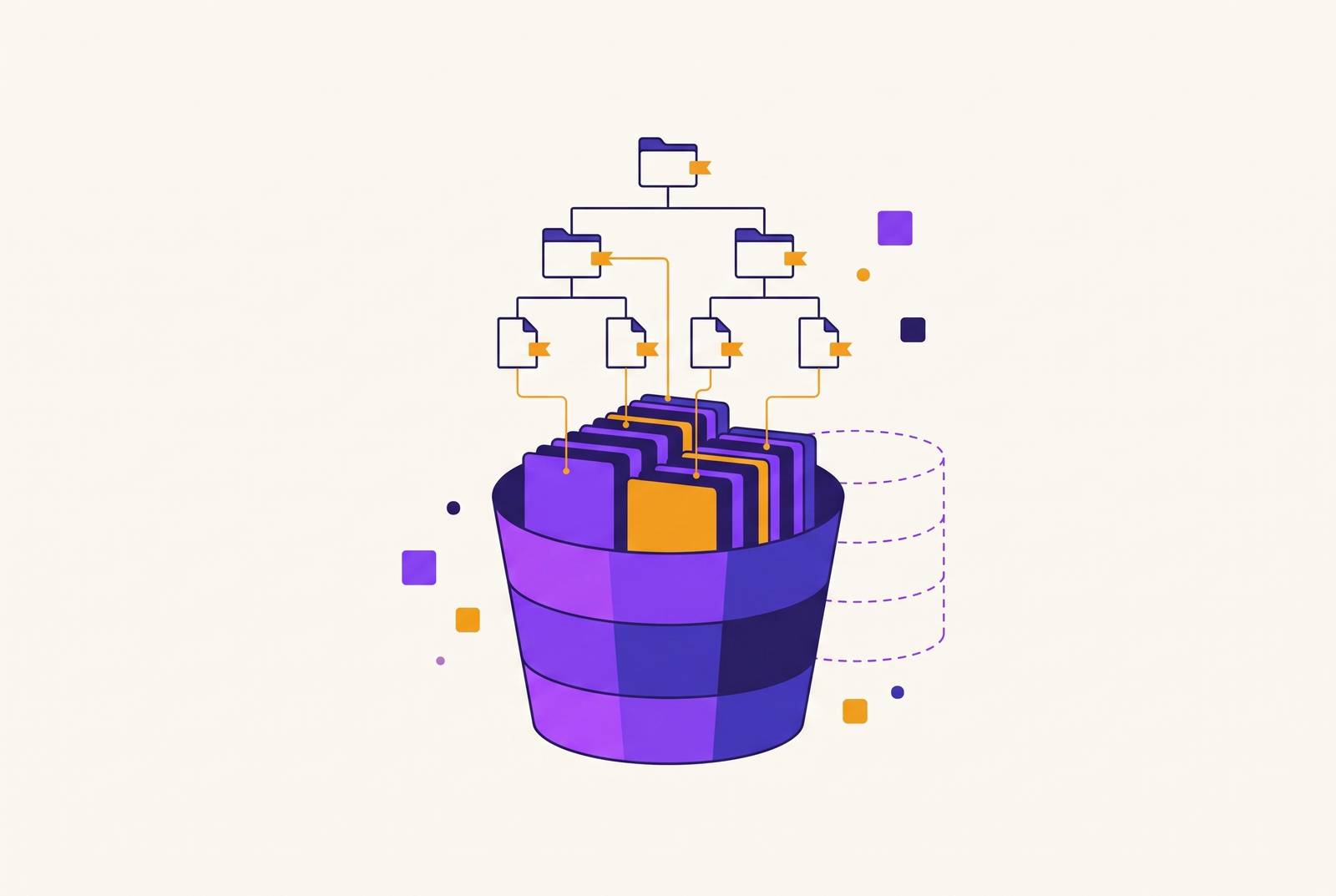
The useful distinction is between removing a database from your workload and removing metadata from the design. Those are not the same thing. S3 stores objects by key, while a POSIX file system needs a namespace and file attributes. A design can move those responsibilities into a service, but it cannot make the requirements disappear. “No database to run” is an operational promise.
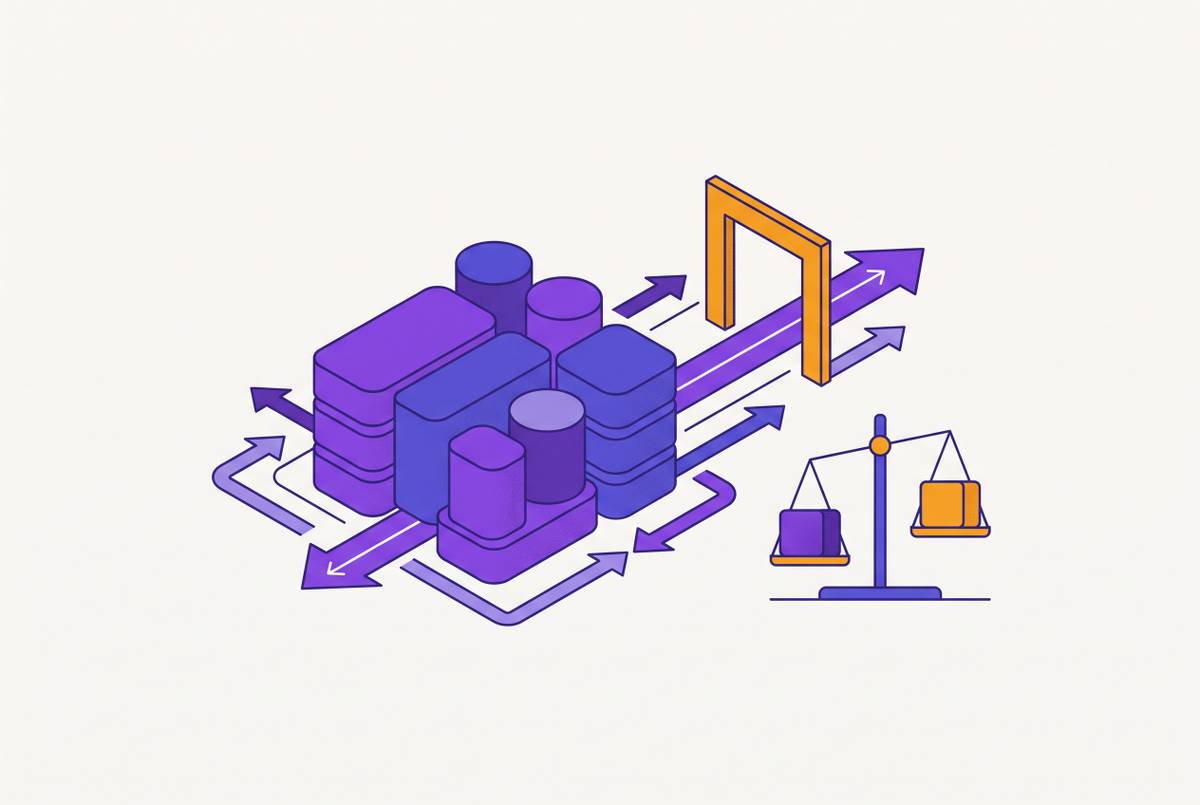
A separate metadata engine supports full POSIX semantics while S3 holds the file data. A direct mapping between files and objects avoids a metadata service but limits which operations the mount supports. A managed file system puts metadata management on the service side. These are different bargains for attaching the same bucket.
For a build system, the bargain has two sides. One is what the team must provision, back up and keep available. The other is whether the storage supports the operations the build performs at a useful speed. A mount that looks familiar is only the beginning. Package installs and source checkouts test what happens behind the file paths, especially when thousands of small files arrive.
Why a file system on S3 needs metadata somewhere
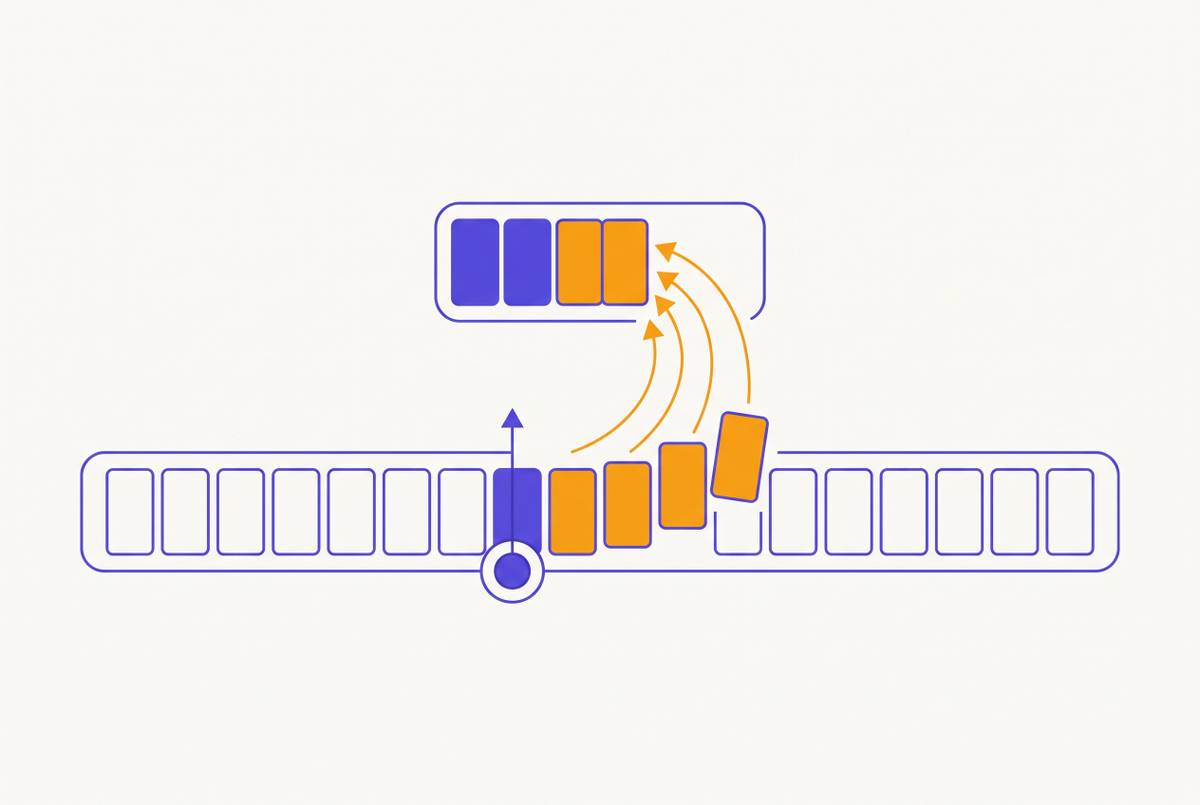
S3 has keys and objects. It has no atomic rename of a directory and no place for mode bits, ownership or hard links. Those are file-system concerns that a layer above S3 must handle if it promises them. An object key can identify stored data, but that alone does not supply the namespace and attributes a POSIX file system needs.
The file-system layer therefore has to represent more than content. It must keep track of the namespace and the attributes attached to files, as well as support the required operations on them. Renaming illustrates the gap particularly well. S3 does not provide an atomic directory rename, so a file-system design must either supply the semantics above S3 or leave that operation unsupported.
There is also a separate choice about the data itself. A file system can store file content as whole objects or split it into blocks. That choice changes what is in the bucket and whether its objects match the original files directly. Metadata placement and data layout are related design choices, but one does not answer the other. Having data in S3 does not, by itself, explain how a file system reconstructs the files users see.
Designs with a metadata engine you run
JuiceFS separates file data from metadata. Its metadata engine documentation lists key-value databases such as Redis and TiKV, and relational databases such as SQLite, MySQL and PostgreSQL. The database holds the metadata side of the design while the bucket holds file data. This is an explicit division of responsibilities, rather than an attempt to make object keys stand in for every file-system feature.
In JuiceFS Community Edition, that database is yours to operate. File data goes into the bucket as blocks, so the bucket alone does not show the original files. This distinction changes what “the files are in S3” means. Their content is stored there, but it is not presented as a collection of ordinary, whole-file objects that mirrors the mounted file system.
The benefit of this design is that file-system operations such as renames work on top of the bucket. For workloads that create and rename many files, metadata performance is a central part of the job. The corresponding cost is a database to provision, back up and keep available. The bucket does not take over those duties.
The design has the file operations the build needs, but it also adds a service that the team must keep available for builds. A database outage is not merely a database-team topic when builds depend on its metadata.
Designs that map files directly to objects
AWS’s Mountpoint for Amazon S3 takes a different approach. It runs no metadata service, and files are objects. That gives it a direct relationship between the mounted view and the bucket, without a separate metadata database for the team to operate. But a direct object mapping supports only some of the operations expected from a POSIX file system.
Mountpoint’s semantics documentation says it does not emulate rename on general purpose buckets. Writes must also start at the beginning of a file and be sequential. Software that needs to rename files or rewrite them cannot count on a familiar mount point to work in the usual way.
Those rules work well for reading large datasets and writing new objects. They do not suit package installs or Git checkouts that rename and rewrite files. Reading an existing object and repeatedly changing a collection of small files ask different things of storage, so a design well matched to one can be poorly matched to the other.
For CI, that makes supported operations a gate before timing. A fast read result cannot establish that a candidate supports the changes a checkout or install needs to make. The operational saving is useful only within the operations the application can actually use. Otherwise, the missing database has been exchanged for a missing capability.
Managed file systems that keep metadata for you
Managed file systems keep metadata for the user, so the user has no separate database to run. The underlying responsibility still exists, but it belongs to the service.
Amazon S3 Files gives AWS compute an NFS view of a bucket. AWS’s S3 Files documentation says it is built on Amazon EFS and requires S3 Versioning on the bucket. That requirement belongs in the evaluation from the start. A managed interface changes what the team operates, but it does not remove the service’s prerequisites or make every bucket configuration equivalent.
Archil, the sponsor of this publication, is another managed option: the client is the only thing to install. On a disk synchronized to your bucket, each file is an ordinary object at its path, and Archil tracks POSIX metadata such as mode bits and ownership itself rather than in the bucket, according to its data sources documentation.
An NFS view and a direct object mapping are different propositions. The former provides a managed file-system interface, while the latter exposes files as objects with the supported operations of that design. Their shared use of a bucket does not make them substitutes for every workload. The comparison still turns on file operations, build performance and the responsibilities left with the team.
Instead of asking how to keep a self-run metadata database available, the team must consider what an outage of the service would mean for builds. The team must also check regions and the cost per GB read by compute. “Managed” removes an operational assignment while leaving the team responsible for understanding the dependency.
What CI workloads stress
npm ci creates thousands to tens of thousands of small files. git clone writes many objects and renames files into place. These workloads involve both file operations and moving a large volume of bytes. Each create is a metadata operation, which makes per-operation latency more important than throughput for this kind of work.
A throughput figure alone says little about how fast a build will run because it measures a different part of the job. When a command creates many small files, the time spent handling those creates contributes to the wait even though each file contains little data.
The timing boundary is just as important. A command returning and its writes becoming durable are not necessarily the same event when write-back caches are involved. Measuring only until the command returns can flatter the result by leaving durability outside the timed interval. The stopwatch has finished, but the storage work has not. Comparing that number with a durability-inclusive result would compare different definitions of “done.”
Measurements need to continue until writes are durable. That keeps the test focused on completed storage work rather than the most flattering stopping point. It also gives cached and uncached configurations a common finish line. Without that boundary, a shorter command time can be mistaken for a shorter durable build step, even though the measurement has not established it.
How to benchmark candidates fairly
A fair comparison starts by mounting every candidate on the same host. That keeps compute and network conditions the same, so differences between hosts do not affect the storage result. The inputs should stay on local disk, including a Git mirror and a warm npm cache. That lets the test compare the file systems without differences in where the inputs are stored affecting the results.
Archil has published a vendor-run benchmark that follows this method, with the commands to rerun it: every file system on one AWS c7gn.2xlarge, inputs on local disk, each run timed until its writes were durable, medians of 3. It reports npm ci of 18,602 files at 12.4 s on Archil, 53.8 s on JuiceFS in writeback mode with ElastiCache for Redis, 161.6 s on JuiceFS with its defaults, 71.4 s on Amazon S3 Files and 10.7 s on local EBS gp3. Results from a vendor are a starting point; rerunning the same commands on your own host is the check.
Local disk should also appear as a baseline. It gives the storage timings a reference for the same workload on the same host, rather than leaving each remote result floating on its own. Several runs are needed, with medians used for comparison. One run is a sample.
The same durability boundary must apply throughout. Timing one candidate until its command returns and another until its writes are durable would undermine the care taken to match the host and inputs. The result should include the configuration, too, especially when write-back behavior changes what it means for a command to finish. The useful number is the time for the defined work under the stated conditions.
Performance is only one part of the final comparison. The evaluation should also check cost per GB read by compute, supported regions and what an outage of any metadata service would do to builds. Those questions connect a benchmark to the system the team would actually depend on.
The decision is therefore conditional on the workload. Full POSIX behavior with a self-run metadata engine offers one trade-off, while a direct object mapping suits work that fits its narrower operations. For CI, the winning design is the one that supports the required file operations, completes durable writes at an acceptable speed and leaves the team with responsibilities it can sustain.
This article is sponsored by Archil.